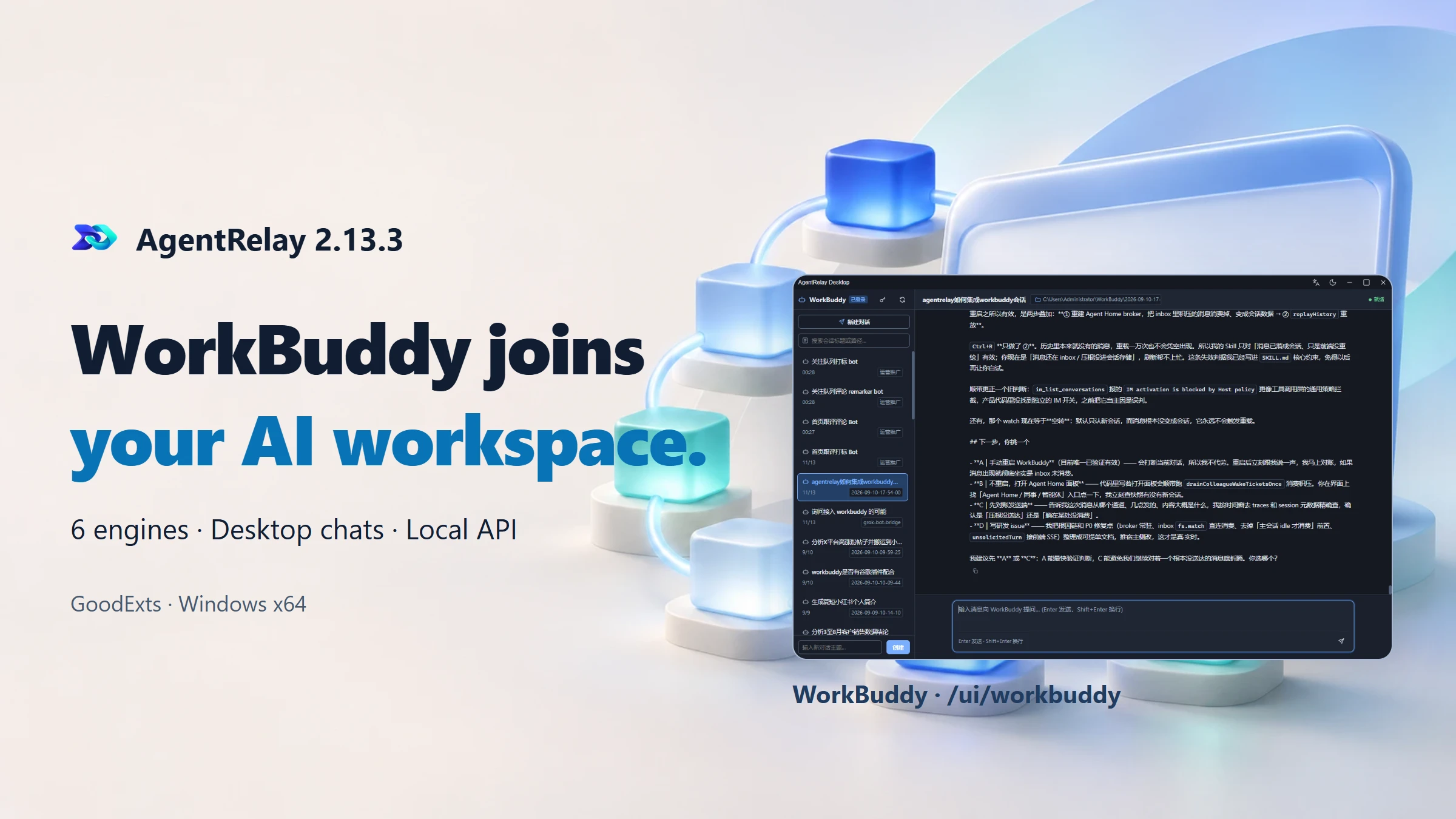
Reuse an existing WorkBuddy conversation in a compatible tool, then open its standalone chat window to inspect replies. AgentRelay 2.13.3 brings the engine count to six while keeping each provider’s capabilities explicit.
Start with a conversation you already use
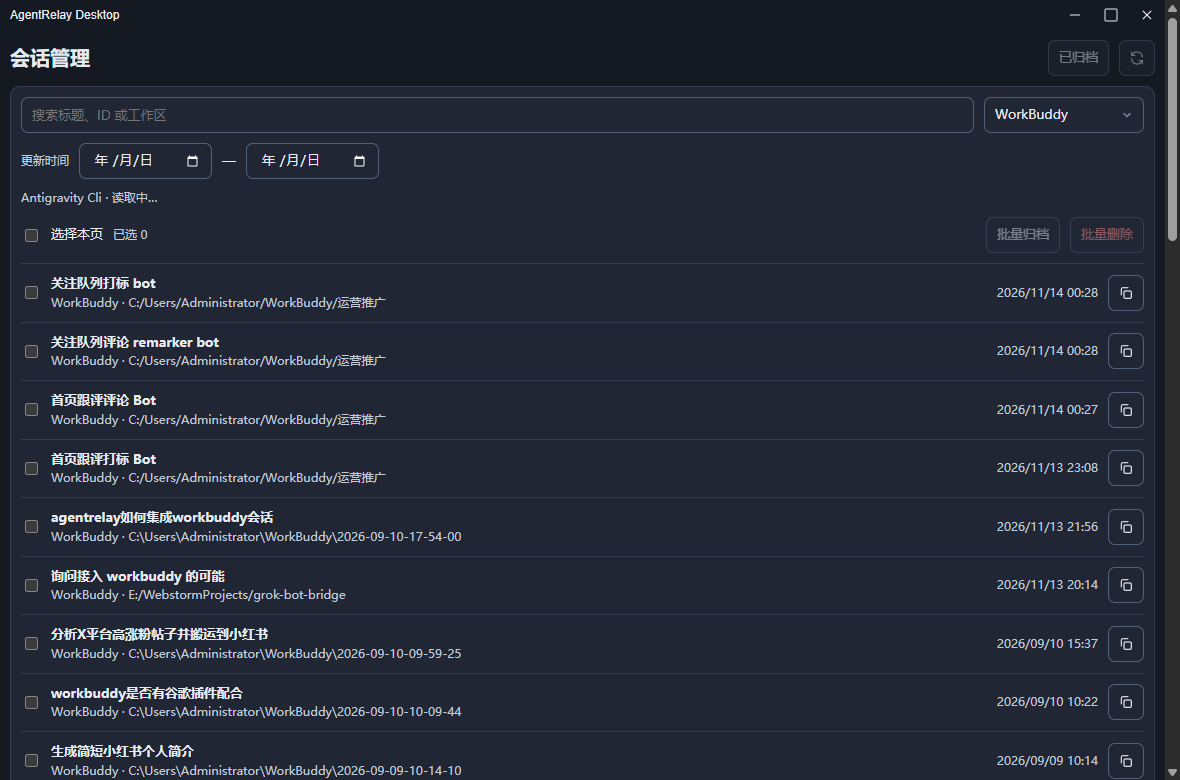
A useful AI conversation may already contain your project brief and working context. The new WorkBuddy adapter discovers existing desktop sessions from the local database and can continue them through the official command-line path. A compatible browser extension or application can choose that session instead of requiring you to copy each prompt manually.
AgentRelay uses an independent official QR sign-in namespace, product-agentrelay.json and auth/agentrelay.info. Free accounts can enter the QR flow from the main interface or standalone chat when signed out. This does not decrypt or overwrite WorkBuddy’s encrypted desktop credentials; model access, account limits and service terms still apply.
Inspect the work in a standalone chat window
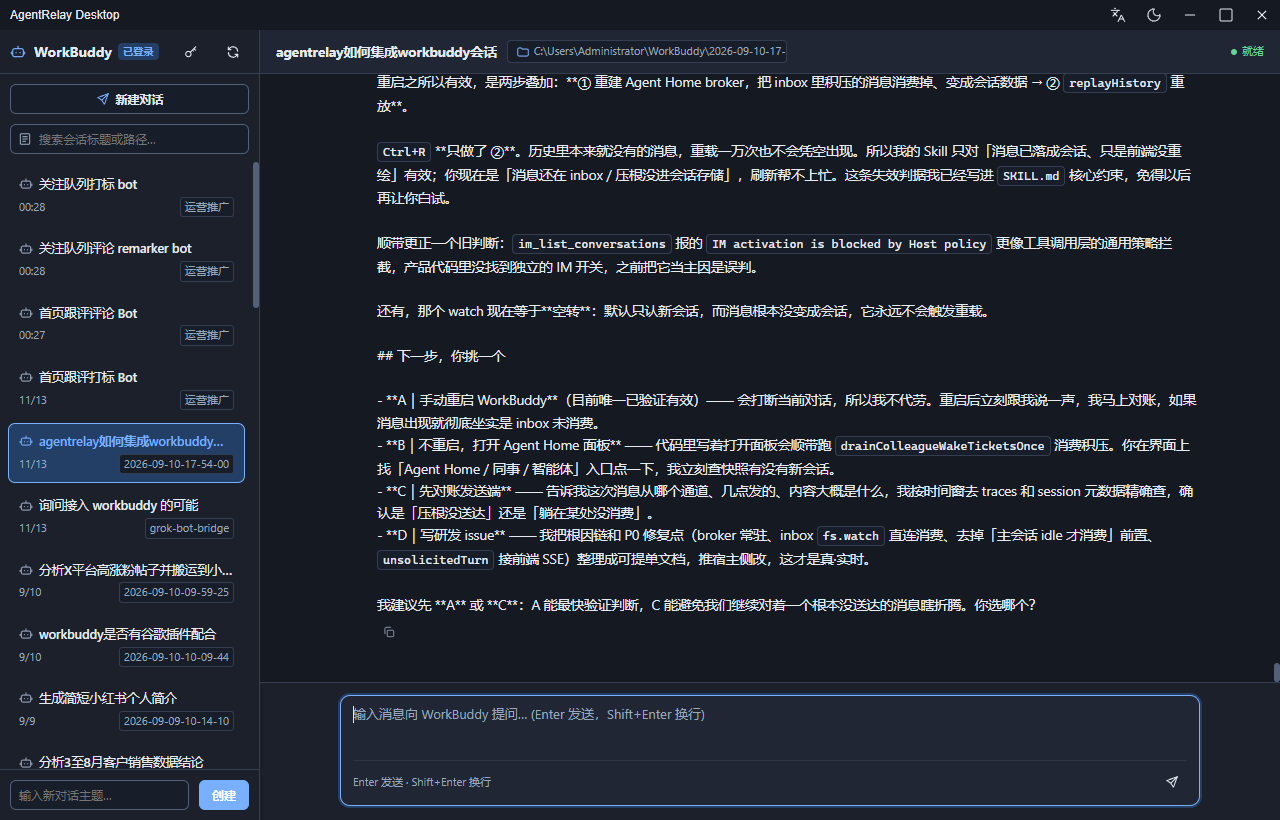
Open /ui/workbuddy for a split-pane conversation list and message view. Replies arrive through SSE, with reasoning shown when supplied by the engine. The window provides a signed-in state and a QR-login entry when authorization is missing. It makes the connected session visible without turning the product page into a chat client.
Writing, renaming or deleting a session synchronizes the desktop sidebar snapshot. Completed work releases idle desktop workers. If a desktop session lacks its local transcript JSONL, the adapter can fall back from --resume to --session-id to rebuild the CLI entry. This is not a promise that a missing transcript is fully restored.
Connect a compatible tool through ordinary jobs
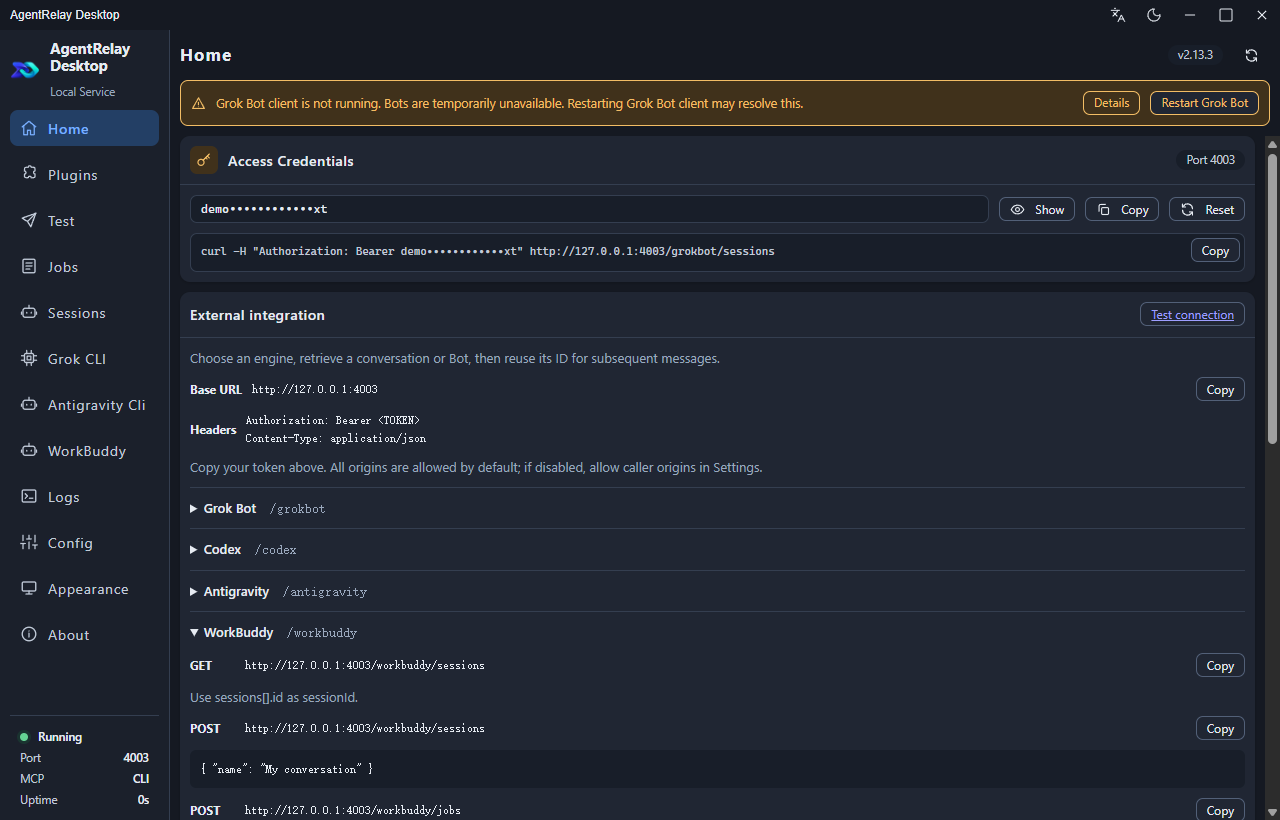
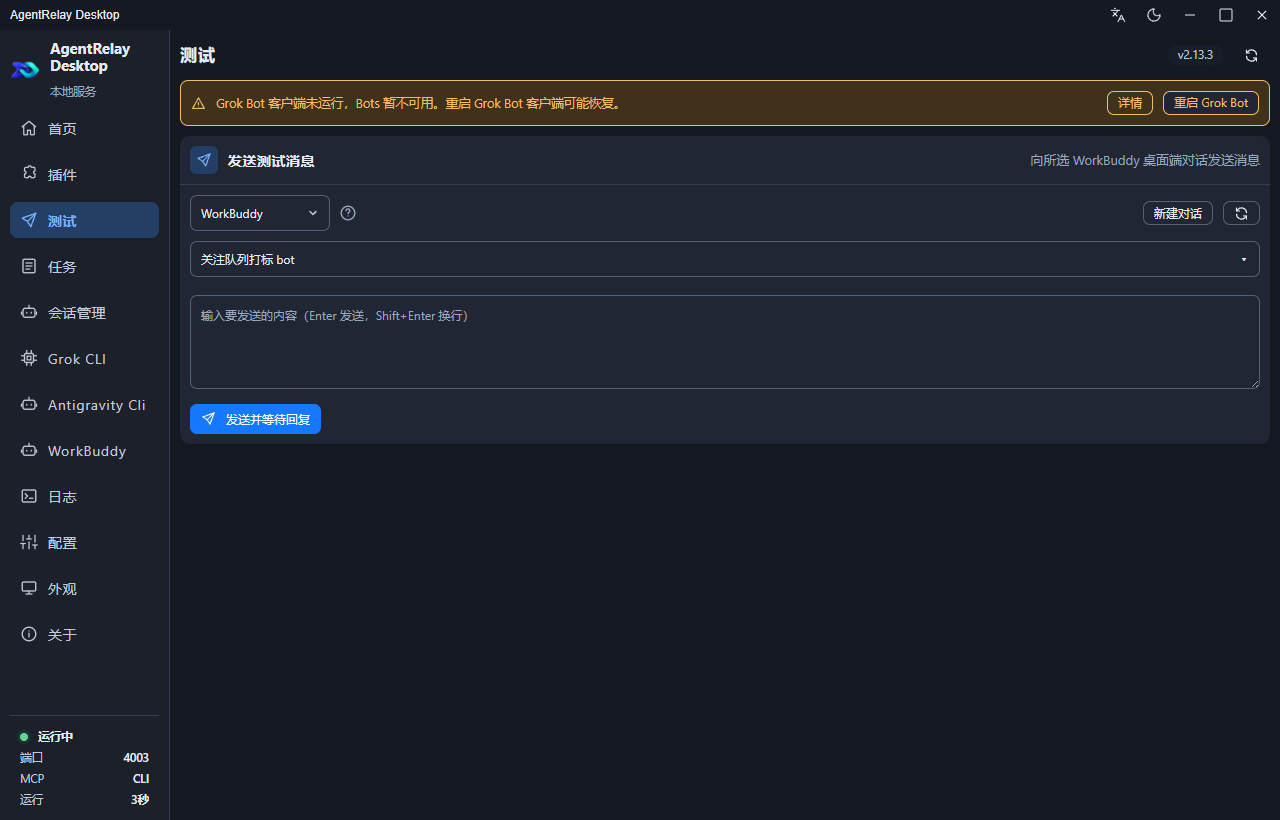
The public WorkBuddy routes separate health, conversation discovery, explicit creation, task submission and result retrieval. Pick an existing session, assign a unique job ID and send a small authorized test. The release acceptance includes a real UTF-8 jobs round trip and XFollower client compatibility; this does not mean every extension connects automatically.
Persist the selected session and original job ID. If a request times out or the result is unclear, retrieve that original operation instead of resubmitting it. The existing integration Skill and direct-collaboration Skill have their own provider support; the downloadable three-provider direct helper does not add WorkBuddy Steer.
The local API handoff
| Method and route | Purpose |
|---|---|
GET /workbuddy/health | Check engine availability and authorization |
GET /workbuddy/sessions | Discover existing conversations |
POST /workbuddy/sessions | Explicitly create a conversation |
POST /workbuddy/jobs | Submit one ordinary task |
GET /workbuddy/jobs/{jobId} | Recover the original task result |
Example request body for POST /workbuddy/jobs
{
  "jobId": "<NEW_UUID>",
  "sessionId": "<SELECTED_SESSION_ID>",
  "text": "Reply only: connection OK",
  "timeoutMs": 120000
}
Replace every placeholder, send UTF-8 JSON and use the local service address and Authorization header from AgentRelay. Keep tokens in local configuration. A queued response is not completion: query the original job ID before deciding what to do next.
Six engines do not imply identical capabilities
WorkBuddy currently uses ordinary serial task queuing. When the desktop session reports active === true, an attempted injection is rejected asynchronously with the terminal workbuddy_error result. An accepted HTTP submission therefore still needs its job result checked. Wait for the desktop work to finish before choosing an explicit next action.
WorkBuddy does not support /compactions or /steer. Desktop history cleanup and cron are disabled for these CLI executions through CODEBUDDY_DISABLE_SESSION_HISTORY_CLEANUP=1 and CODEBUDDY_DISABLE_CRON=1. These controls do not provide unlimited context, crash recovery or unattended-operation guarantees.
| Capability | WorkBuddy in 2.13.3 |
|---|---|
| Existing sessions and ordinary jobs | Supported |
| Standalone streaming chat and message copy | Supported |
| Desktop sidebar synchronization | Supported |
| Native context compaction | Not supported |
| Active-turn POST /steer | Not supported |
Copy replies quickly and guide supported CLI turns
WorkBuddy, Grok CLI and Antigravity CLI standalone windows now show a copy icon below each message. Use it to take a response into your editor or another tool; message and code-copy actions reduce manual selection without implying that the answer has been verified.
Active-turn POST /steer adds grok-cli through native _x.ai/interject and antigravity-acp through official agy acp session/prompt. These are supported CLI routes, separate from WorkBuddy. The release also restores modern agy session deletion with idle transcript-handle release and recovery copies. Acceptance remains provider-specific.
Install the Windows EXE, then verify one handoff
Download the Windows 10/11 x64 EXE from the official 2.13.3 release and verify SHA256SUMS.txt. Finish active tasks, explicitly quit AgentRelay, run the installer and retain the existing AppData directory and a backup. This is a manual EXE upgrade; no portable application ZIP or macOS/Linux package is offered.
Start with WorkBuddy sign-in, read-only session discovery and one bounded test in your own authorized workflow. Inspect the job result and the standalone window before expanding automation. Screenshots document the interface, while the release notes document the reported live tests; no savings percentage or performance guarantee is inferred.
AgentRelay · Read the official 2.13.3 release · Installation and manual upgrade
WorkBuddy joins your local AI workspace.
WorkBuddy accepts ordinary queued tasks. It does not support native compaction or active-turn Steer; a busy desktop conversation is protected from injection.