You have a clear topic, an updated bio and your first useful post. But the X timeline still feels like five unrelated conversations. How do you find people who care about your work, and what should you check a week from now?
Try one small cycle. Start with a relevant account, contribute to a conversation, review people who have already followed you, and decide whom you want to keep reading. XFollower groups those actions into five steps. You can review what happened before moving on.
1. Start with a relevant account
Say you build WhatsApp tools for small teams. Search for the work those teams do: handing over customer chats, organizing group contacts or keeping support records. In X search, try "WhatsApp Business" "workflow" and sort by Latest. You can also start with a suggested account in Mutual Follow Tracking. Open a few recent posts and look at who is having useful conversations.
Choose one relevant account as your starting point. Review the candidate list as you would a reading list. Would you still want to read this person tomorrow if they never followed you back? Keep the accounts that pass that test.
2. Find ongoing conversations on your timeline
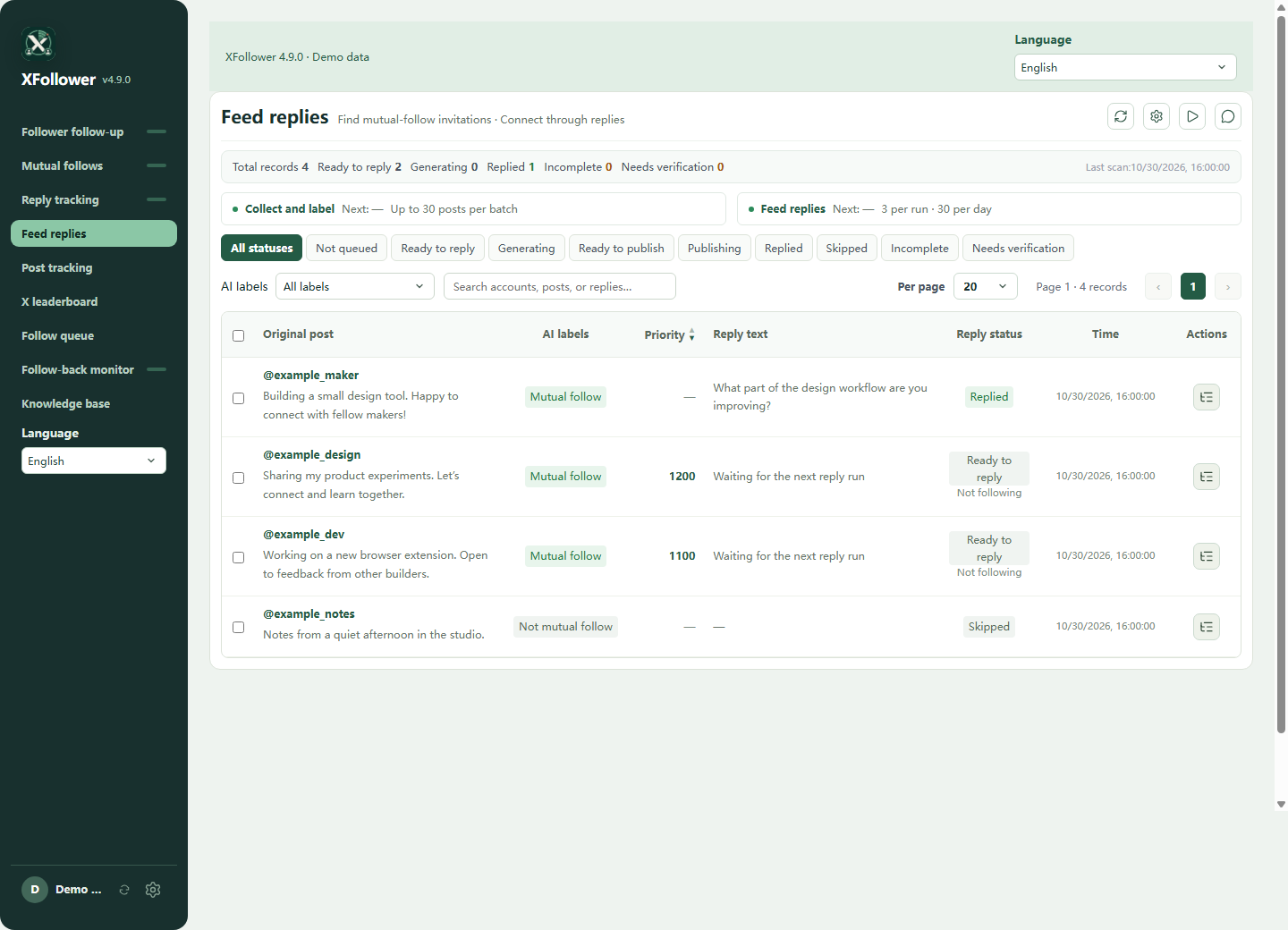
Start with collection and tagging in Home Timeline Replies and review the posts it finds. When you enable commenter discovery on mutual-follow posts, qualified commenters can enter the candidate workflow with weight 180. Review each source in Comment Discovery. A one-off extraction from an ordinary post carries weight 90.
Use X Grok to draft a reply and add something you can stand behind. If someone asks how to hand over contacts from a WhatsApp group, you might explain why you keep the group name and the date of the last customer interaction in separate columns. The details give readers a reason to ask a follow-up question.
3. Review people who already followed you
Notifications can surface new followers. Open Follower Review to confirm the relationship and see whether you already follow the person. Take a look at their recent work. Confirmed accounts awaiting a follow-back carry weight 200, so they come first for review.
4. Use the queue to decide whom to follow
Four sources meet in the queue: confirmed follow-backs (200), commenters on mutual-follow posts from the timeline (180), ordinary comment discovery (90) and mutual follow tracking (80). Review the source, relevance and account relationship before taking action. If a follow is still being verified, check the original task and its log before trying again.
When you find a good original post, use a quote post to add a practical detail. For example, set phone numbers to text before opening a contact CSV in a spreadsheet so the tool does not change how the numbers are displayed. Quote when you have a concrete point to add, and review the draft before publishing.
5. Review after 7 days and begin the next cycle
Use 7 days as a starting point for your follow-back review. Check overdue entries and keep authors, customers and collaborators you want to follow for their work. Confirm the relationship before taking action on an account you no longer want to follow. Check the setting on your installation, since the suggested deadline and the default may differ.
Then ask which starting account led to relevant conversations and which replies sparked useful questions. Use Post Tracking to find the original feedback, look at examples from relevant accounts in the X Leaderboard, and save useful notes in the Knowledge Base. A question that came up twice is a good candidate for your next tutorial.
Your first cycle
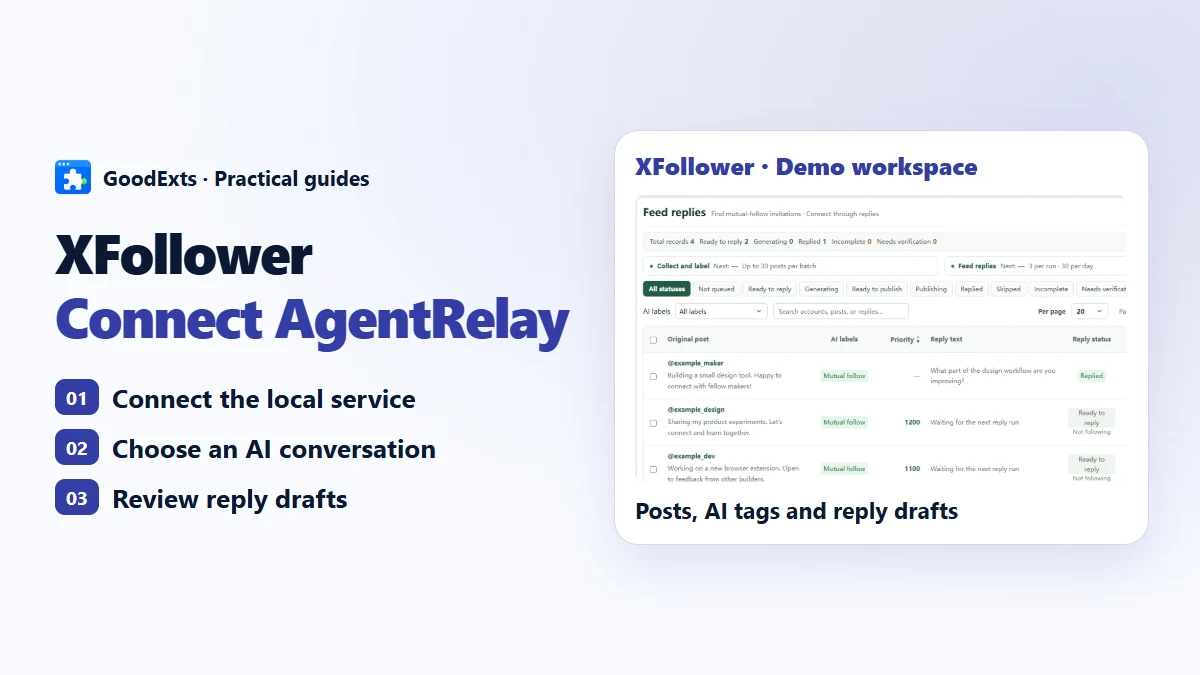
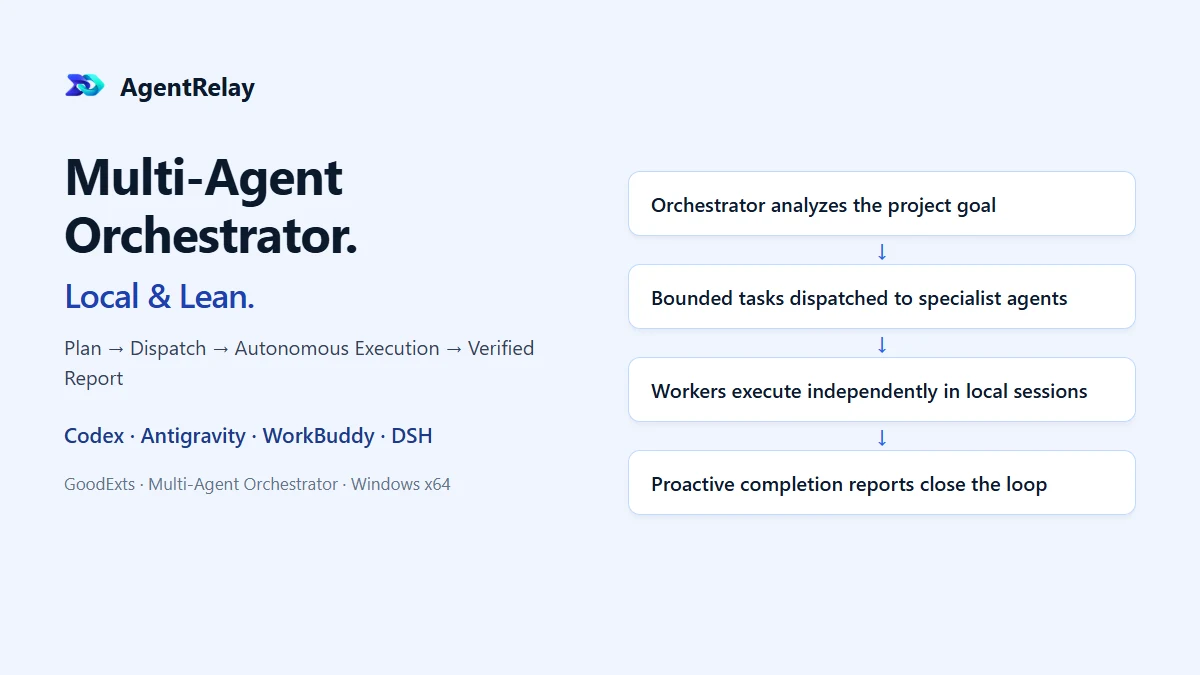
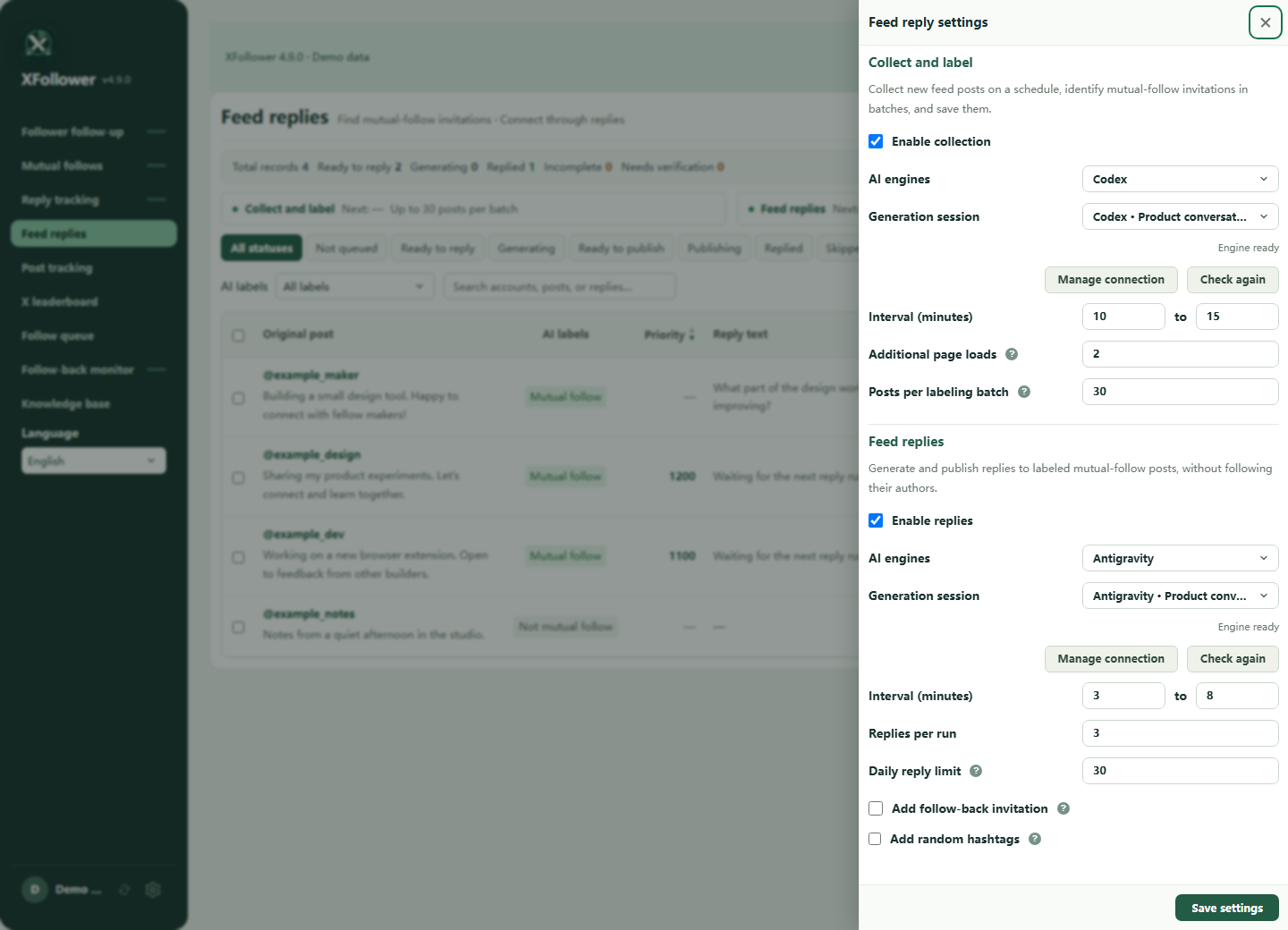
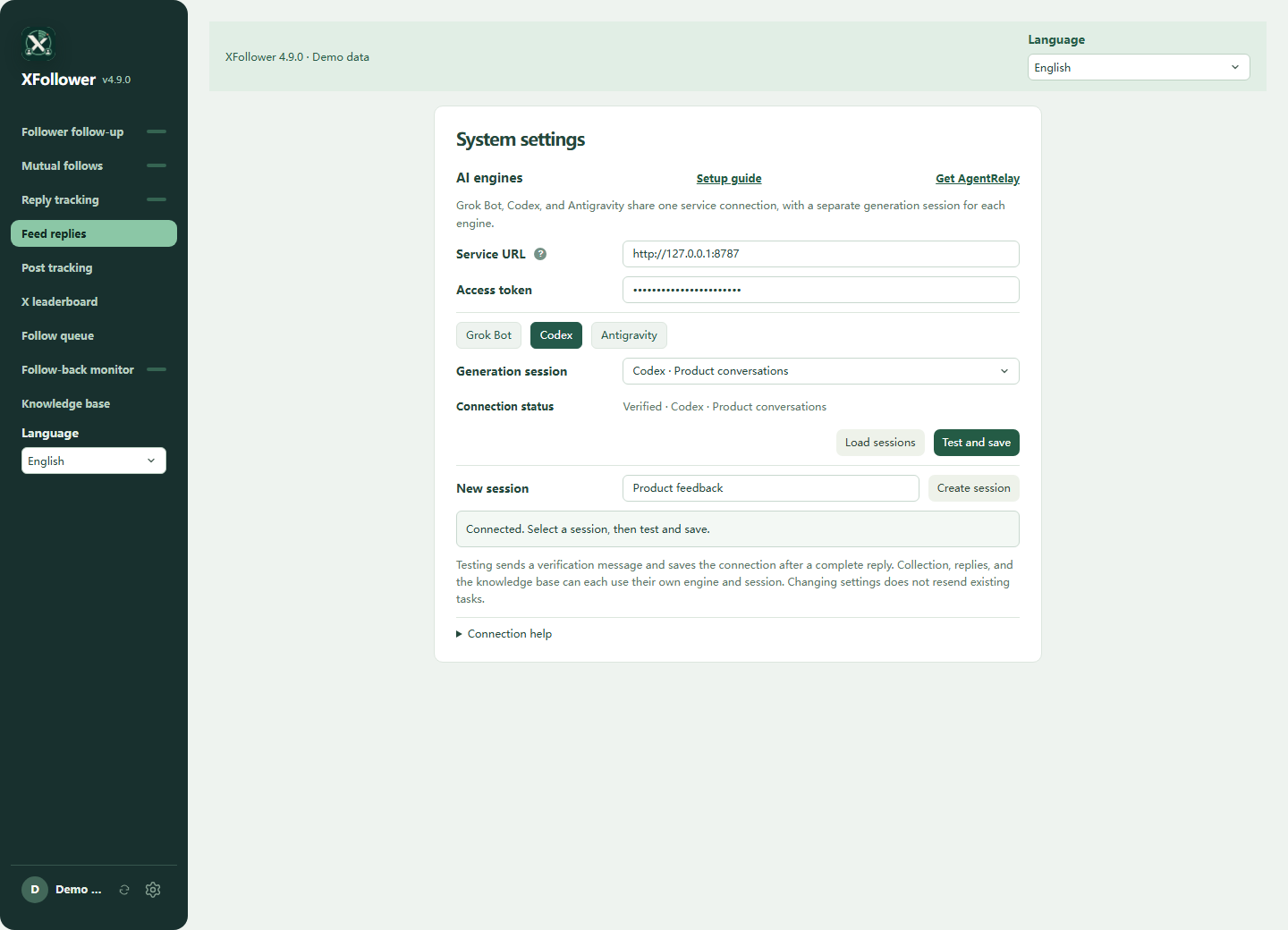
For your first cycle, choose one starting account, review a small group of candidates and write one reply you are happy to put your name on. Start with the built-in X Grok. You can connect AgentRelay later if you prefer Codex, Antigravity or WorkBuddy. See the XFollower product page for the Chrome installation steps and current activation options.
XFollower: Turn X Growth and Daily Operations into a Self-Running Flywheel
Enjoy a 3-day full-feature persistent trial on new installs with 100% local data retention. Visit this page daily to identify your X account, claim a 24-hour free activation code, and apply it in one click.