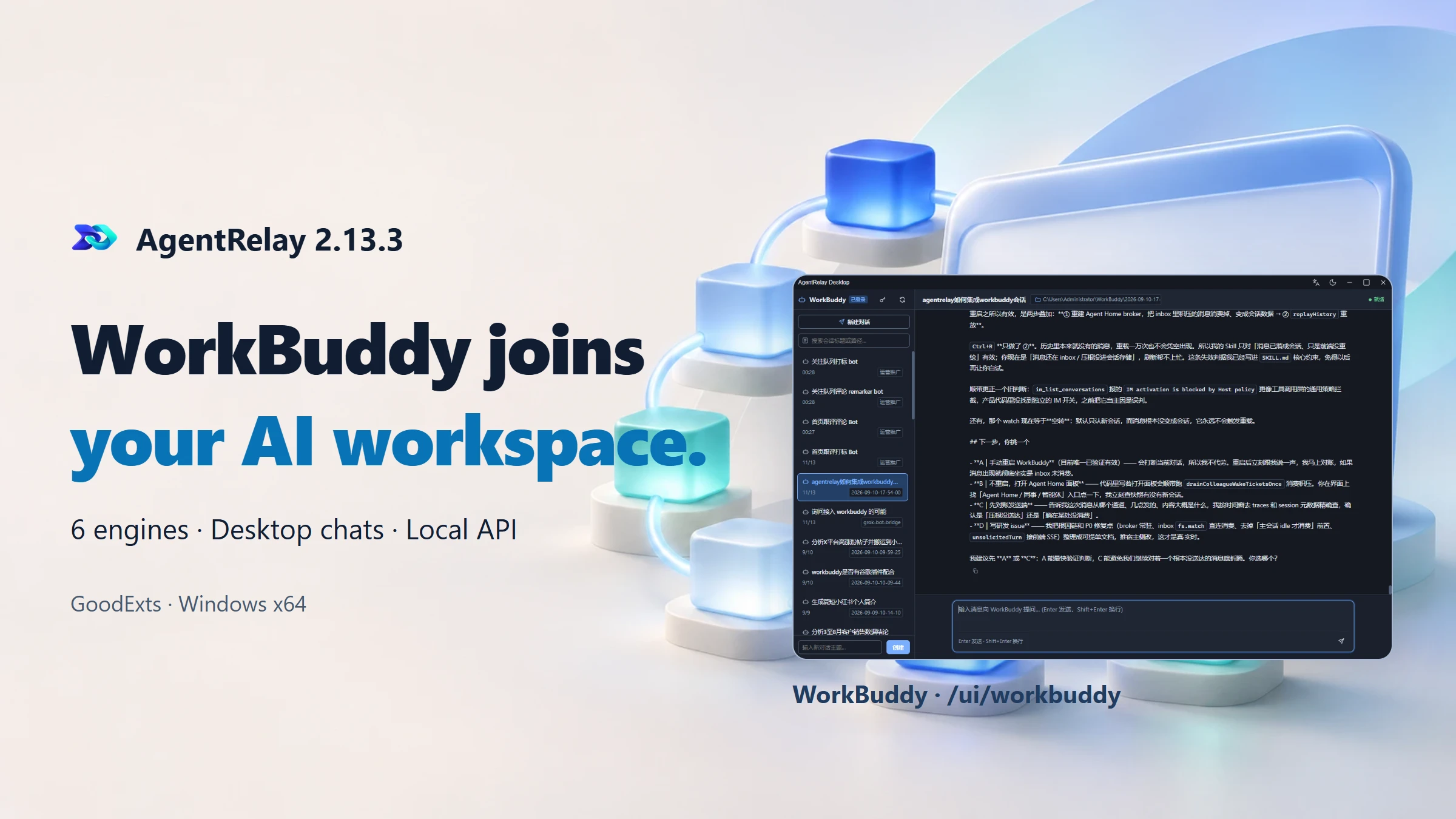
Frontier AI developments—including Google’s latest models and multi-agent systems—increasingly place the Orchestrator at the heart of complex problem-solving. But you don’t need an expensive cloud framework to coordinate autonomous agents. AgentRelay serves as a lightweight, local Multi-Agent Orchestrator on Windows, allowing your desktop AI clients to delegate bounded tasks, communicate directly and report back upon completion.
Why Frontier AI is Moving from Single-Turn Chat to Orchestrators
In recent model architectures and agentic frameworks, the concept of an "Orchestrator" has taken center stage. As tasks grow in complexity, attempting to pack all project context, code generation, file management and review into a single conversational window inevitably leads to context degradation, hallucination and runaway token costs.
The industry standard has shifted towards a multi-agent hierarchy: an Orchestrator model acts as the central planner, decomposing large objectives into isolated, manageable units of work and handing them off to specialist agents. This division of labor keeps individual contexts clean, focused and efficient.
The Cloud Multi-Agent Dilemma vs. Local Desktop Reality
While cloud-hosted multi-agent frameworks (such as CrewAI or heavy LangGraph clusters) have gained traction, they present significant hurdles for independent builders, solo operators and privacy-conscious teams: complex infrastructure setup, vendor lock-in, data leaving local premises, and unpredictable API billing that can deplete budgets overnight.
In practice, many developers already have capable desktop AI clients running locally—such as Codex, Antigravity, Grok CLI, DeepSeek Harness or WorkBuddy—often backed by monthly subscriptions or generous allowances. What is missing is not more cloud infrastructure, but a local multi-agent orchestrator that bridges these existing tools together.
How AgentRelay Operates as a Local Multi-Agent Orchestrator
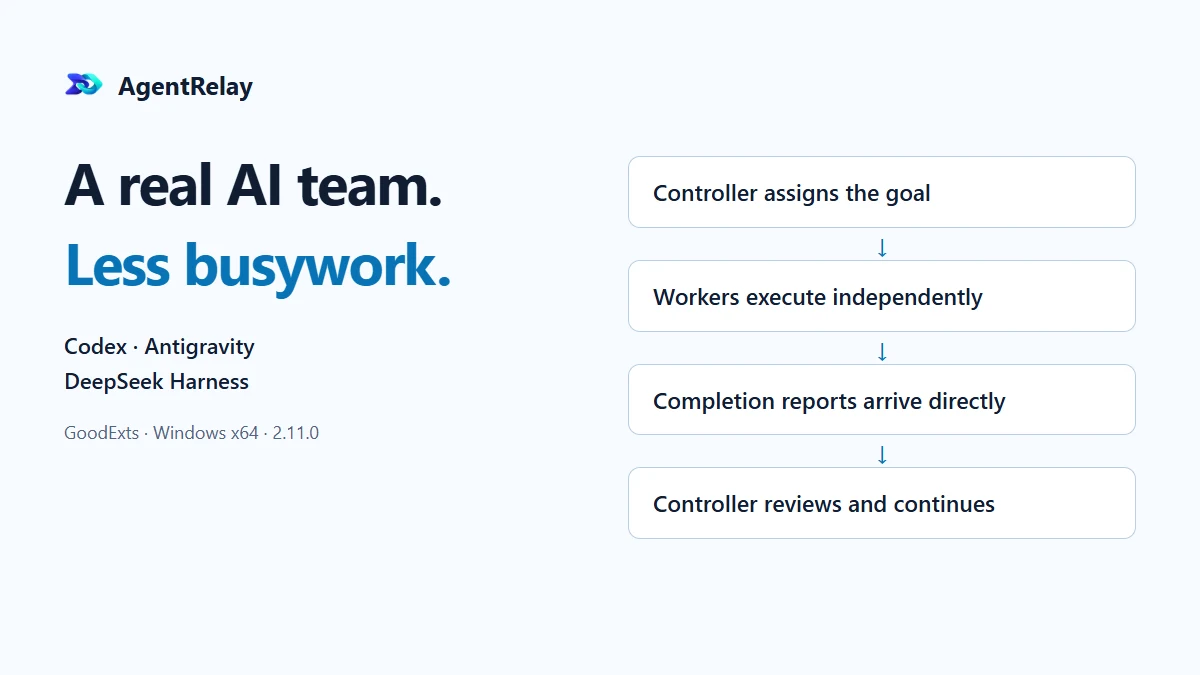
AgentRelay bridges this gap by providing a local, high-speed orchestration layer directly on your Windows PC. Instead of relying on external coordinators, one of your desktop AI sessions (such as Codex) acts as the Orchestrator, using the local session-bridge contract to dispatch tasks to other active sessions.
Each dispatched task carries explicit boundaries: the goal, the assigned files or domain, the expected evidence format, and the Orchestrator’s exact reply session address. Workers execute inside their own isolated workspaces or sessions, preventing cross-task interference while preserving vital context.
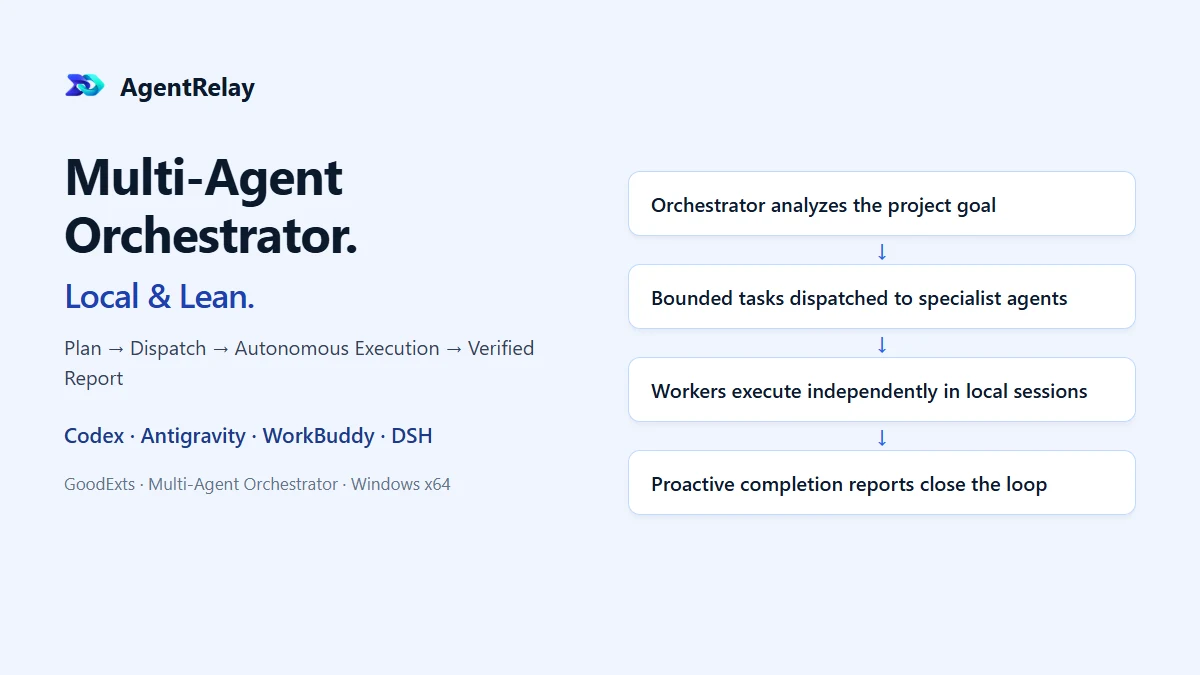
- Orchestrator analyzes the project goal
- Bounded tasks dispatched to specialist agents
- Workers execute independently in local sessions
- Proactive completion reports close the loop
Proactive Event Callbacks: Eliminating Polling and Token Waste
A major flaw of primitive automation is continuous polling—repeatedly querying an agent "Are you done yet?", which consumes model turns and wastes tokens. AgentRelay changes this dynamic through proactive event delivery and Steer signals.
When a worker finishes its designated work or encounters an unresolvable block, it directly delivers a structured completion report (A_DONE / BLOCKED) back into the Orchestrator’s active turn. The Orchestrator reviews the evidence, performs integration or acceptance, and advances the overall workflow without manual copying and pasting.
Practical Workflows: Engineering, Content and Multi-Account Operations
Full-Stack Feature Development: Codex acts as the lead orchestrator defining architectural boundaries; Antigravity handles frontend Vue/React component adjustments; and DeepSeek Harness performs concurrent logic reviews and edge-case testing.
Multi-Account Content & Growth: In tools like XFollower, an orchestrator can distribute brand-specific research and drafting tasks across different account-specific sessions, aggregating localized output ready for human sign-off before publishing.
Engineering Discipline and Safe Operating Boundaries
Real orchestration requires strict boundary controls. Message routing between agents does not make simultaneous edits to the same source file safe; file ownership, Git branches and clear acceptance gates must always be maintained.
AgentRelay remains free software running locally. It does not sell cloud tokens or guarantee zero-token operation, nor does it promise fully autonomous unattended execution. AI model subscriptions and provider quotas still govern each underlying client. Real-world resilience comes from verified receipts, bounded tasks and human oversight.
Install the Skill that connects your AI team
agentrelay-session-bridge lets a coding assistant delegate to existing Codex, Antigravity and DeepSeek Harness conversations and receive their completion reports. Use this for AI-to-AI coordination; agentrelay-integration is for connecting your own extension or app.
Requires Windows, local AgentRelay 2.11.0+, Node.js 22+, and supported AI clients running and signed in. Choose existing conversations. The scripts read the local AgentRelay token; never paste it into chat, website fields or public files.
Download and extract the whole folder
Keep agentrelay-session-bridge intact. This ZIP contains Skill source and scripts, not a portable AgentRelay application.
Install it in your assistant’s Skill directory
For Codex, place the whole folder under ~/.codex/skills/ so that ~/.codex/skills/agentrelay-session-bridge/SKILL.md exists. Other assistants use their own supported Skill directory. Reopen the assistant or refresh its Skills list if needed.
Invoke the Skill with one small goal
Use $agentrelay-session-bridge, describe the goal and choose existing conversations. Let the assistant check the local service and perform a bounded test. Downloading the ZIP alone does not establish a connection.
Give this instruction to your coding assistant
$agentrelay-session-bridge Check my local AgentRelay service and list existing Codex, Antigravity and DeepSeek Harness conversations. Help me choose one read-only review task. Read the controller’s current runtime identity and set replyProvider and replySessionId from it. Include the goal, scope, completion criteria and artifact location. Require the worker to save its result and proactively send DONE or BLOCKED to this controller. Use strict Steer for an active turn. If explicitly permitted, queue one result notification only after a definite no_active_turn response. Unknown delivery must recover the original operation without blind resend. Report actual reception and test results. Do not commit, publish or operate external accounts.
Task contract and completion command
Fill these fields from the current task
taskId: <unique task ID>
goal: <bounded goal>
scope: <read-only or explicitly owned files>
completionCriteria: <evidence to verify>
replyProvider: <codex | antigravity | dsh>
replySessionId: <current controller session from runtime>
receiptIdlePolicy: <wake-on-confirmed-idle only if authorized>
result: <UTF-8 file with DONE/BLOCKED, artifacts, checks and unresolved issues>
New tasks and idle activation use /{provider}/jobs. Strict POST /steer targets an active turn. The optional --wake-on-idle below applies only to an explicitly authorized result notification after 409 no_active_turn; omit it otherwise. Accepted delivery, peer reception and completed work are separate checks. The idle-Codex continuation path was not covered by the six-direction test.
Worker: return the saved result to the controller
node "<skill-dir>/scripts/relay-direct.cjs" reply --provider <replyProvider> --session "<replySessionId>" --file "<UTF-8-result-file>" --wake-on-idle --operation-id "<unique-UUID>"Need to connect an extension or app? Use the integration Skill.
Official AgentRelay Multi-Agent Documentation · Get AgentRelay for Windows
Local Multi-Agent Orchestrator without Cloud Lock-in
Start with one controller and one worker. Build a verified multi-agent loop before expanding your local fleet.