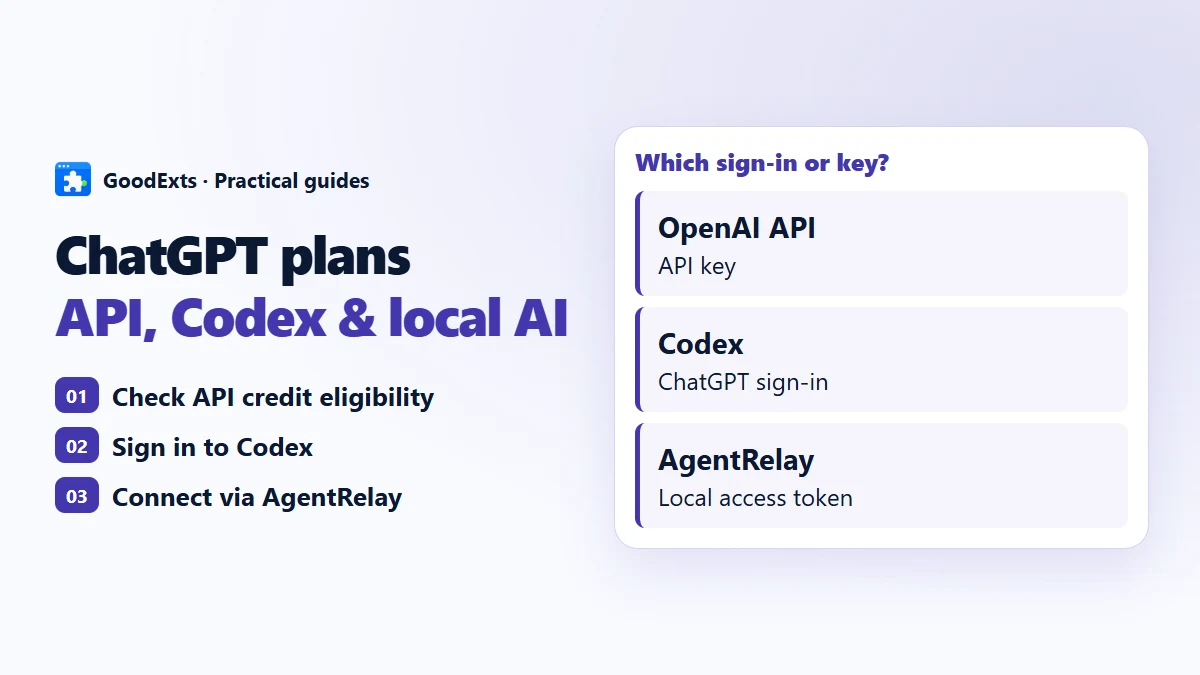
Looking for a ChatGPT subscription API? Start with the task you want to connect. An official API integration, a signed-in Codex client and an AgentRelay task use different connections and credentials.
Which connection does your tool need?
An official OpenAI API integration
Eligible Pro and Business subscriptions can claim API credits by linking an API organization. Eligibility and expiry apply; these credits do not increase signed-in Codex limits. Check the current API credit benefit
Codex with your ChatGPT login
Codex supports ChatGPT sign-in for subscription access and API keys for usage-based access. Check which method is active before comparing costs. Codex authentication methods
A compatible local tool using AgentRelay
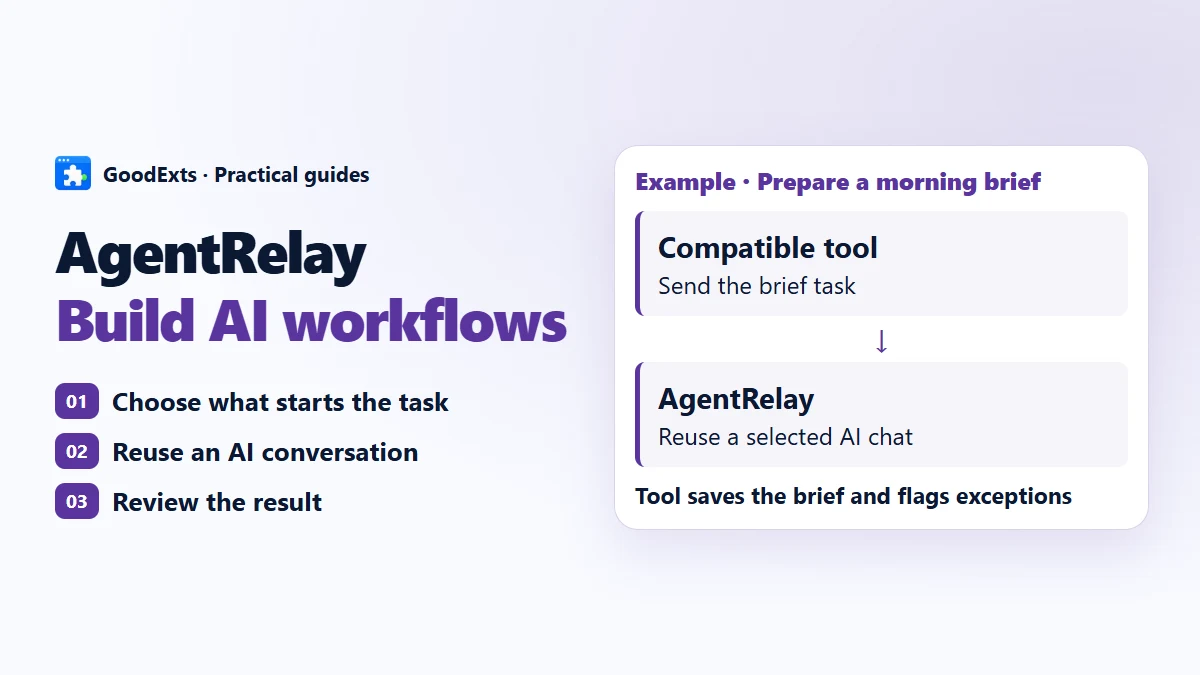
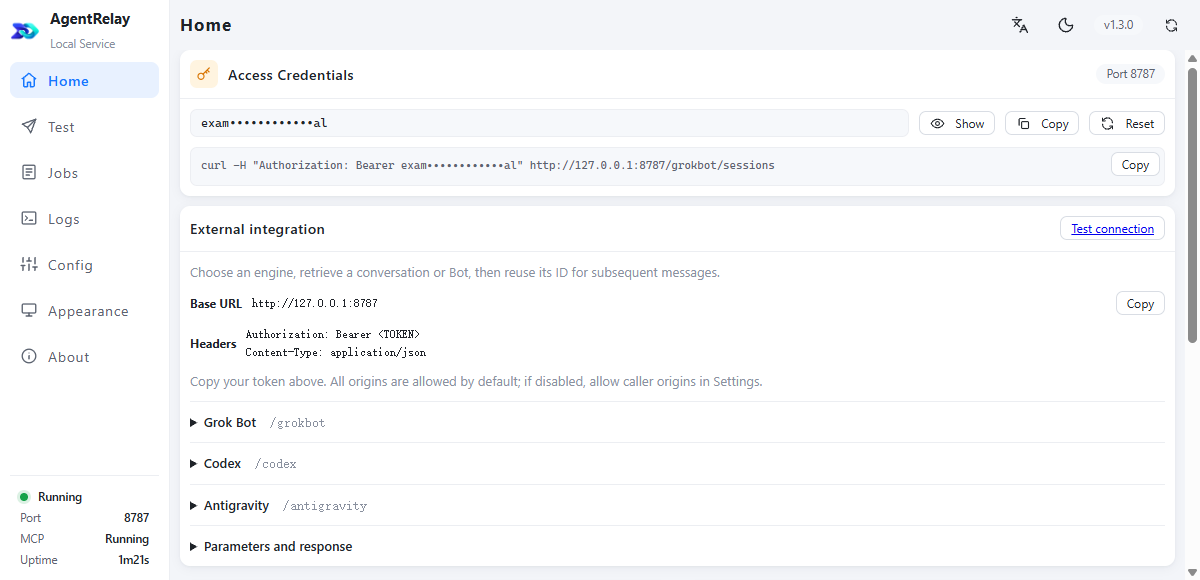
AgentRelay connects tools to supported AI clients and selected conversations. Its local access token authorizes the bridge. It is not an OpenAI Platform API key, and the tool needs an AgentRelay integration.
Try one local workflow first
- Install AgentRelay and open its local management interface.
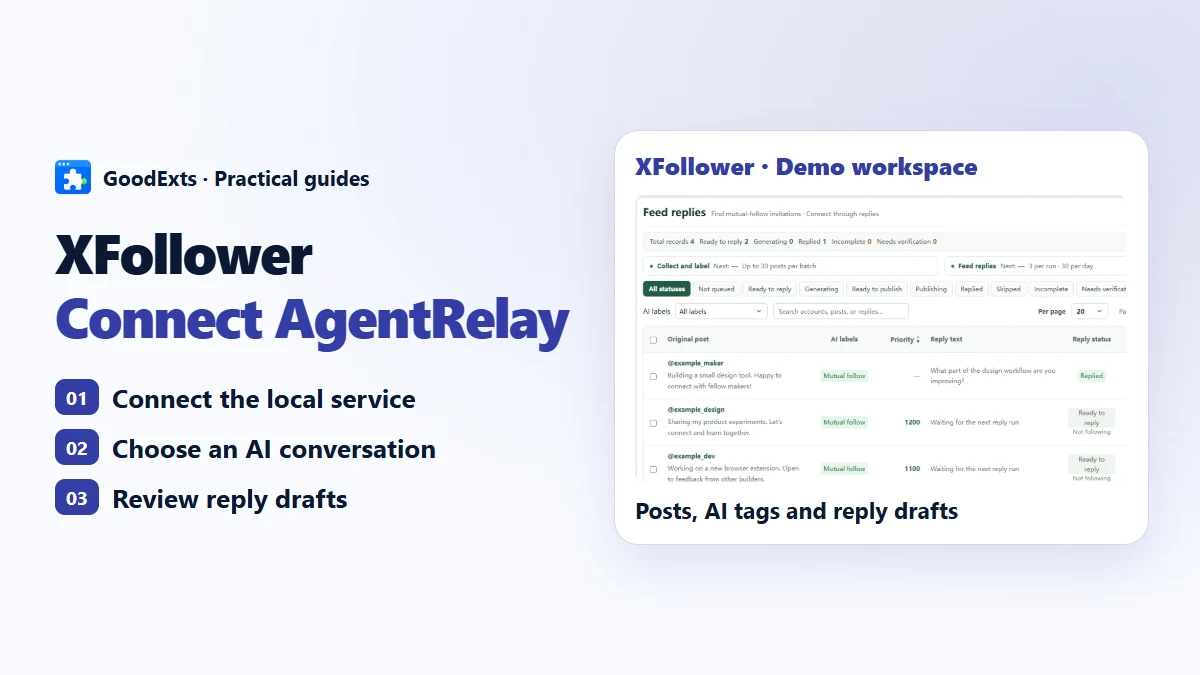
- Connect a supported Codex client and choose the conversation for the task. Confirm that the client itself can respond.
- Configure a compatible tool with the connection details shown by AgentRelay. Send a small task, then inspect its result before increasing the batch size.
What to check before you connect
- A client asking only for an OpenAI API key is not automatically compatible with AgentRelay. Check its integration instructions.
- AgentRelay is free to use, with private application source. Its local bridge does not make cloud models offline or remove provider limits.
- Keep the computer, bridge and selected client available while the workflow runs. Scheduling and platform actions belong to the connected tool.